Farming
Fields and farmers
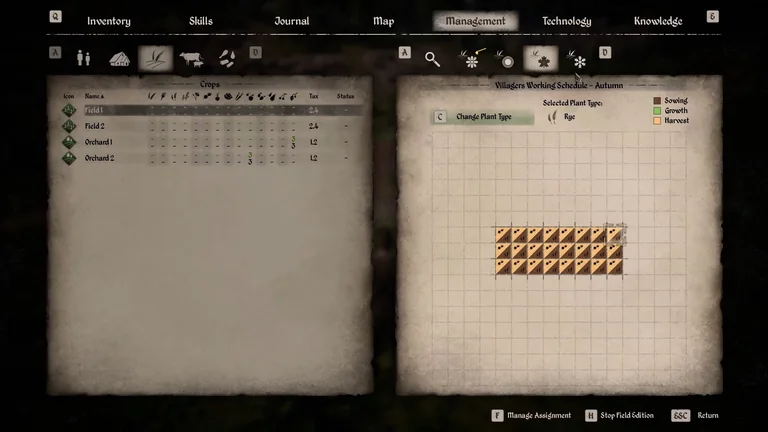
In Management, assign the crop to the tiles for the right season, then confirm the plan. Assign farmers to the Farm Shed and stock tools, Fertiliser and seeds.
Preparing a plot
In Management, open Crops and select the field. Choose a season, enter field editing and select a plant type. Apply it to the tiles you want the farmers to work.
Leave field editing and accept the confirmation to keep your changes. Check the planned crop on each seasonal tab.
Controls for changing your field plan
The Steam installation includes tutorials for keyboard, PlayStation and Xbox controls. When you leave field editing, choose Accept, then check the schedule for the intended season. Follow the prompts in your game if you have remapped the controls.
| Input | Enter or leave editing | Change plant type | Manage assignment | Keep changes |
|---|---|---|---|---|
| PC | H | C | F | F |
| PlayStation | R3 | Triangle | Cross | Cross |
| Xbox | Press right stick | Y | A | A |

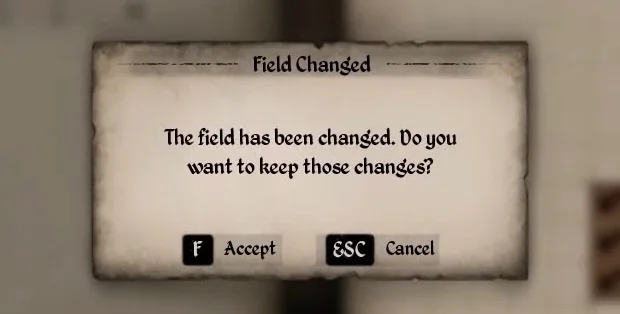

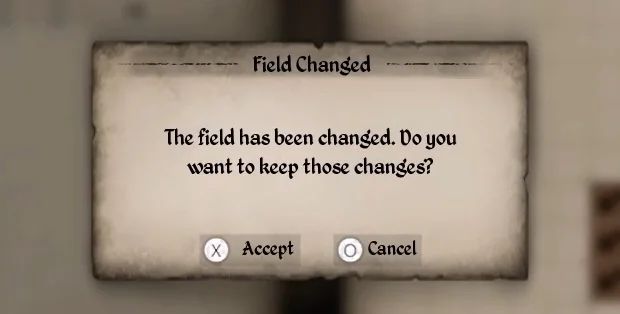

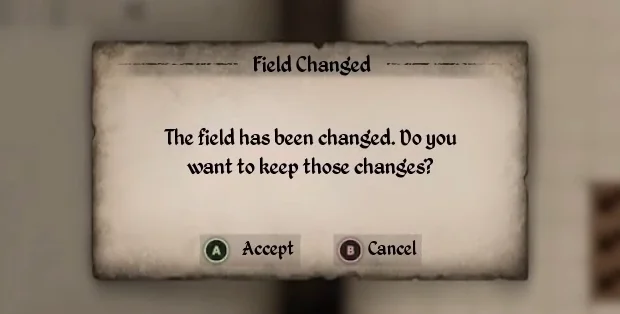
Beetroot and Rye rotation
The tutorial schedules both autumn tasks on the same 8 × 3 field. Allow time to harvest the Beetroot and prepare the tiles before sowing Rye.
Supplies for the Beetroot and Rye rotation
For the two passes on the 24-tile plot, the reserve weighs 24.48 kg before tools. The estimate applies the manual Wheat example and assumes every tile is fertilised again before the next sowing.
Actual worker withdrawals and the daily rate still need verification.
| Supply | When to set it aside | Quantity | Weight |
|---|---|---|---|
| Beetroot Seed | Spring | 24 | 0.24 kg |
| Rye Grain | Autumn | 24 | 0.24 kg |
| Fertiliser | Both passes | 48 | 24 kg |
Buy the entire reserve in one place
The quantities are seasonal restock ranges. Check remaining stock before travelling.
Manual field work
The manual tutorial shows these steps for Wheat. Check the crop and season before you sow.
| Step | Tool shown | Bag contents |
|---|---|---|
| Grub up a new tile | Iron Hoe | |
| Fertilise the tile | Bag | Fertiliser |
| Plough the fertilised tile | Iron Hoe | |
| Select the seed and sow | Bag | Wheat Grain |
| Harvest with a sickle | Iron Sickle | |
| Harvest with a scythe | Iron Scythe |
Check the seed stock and season
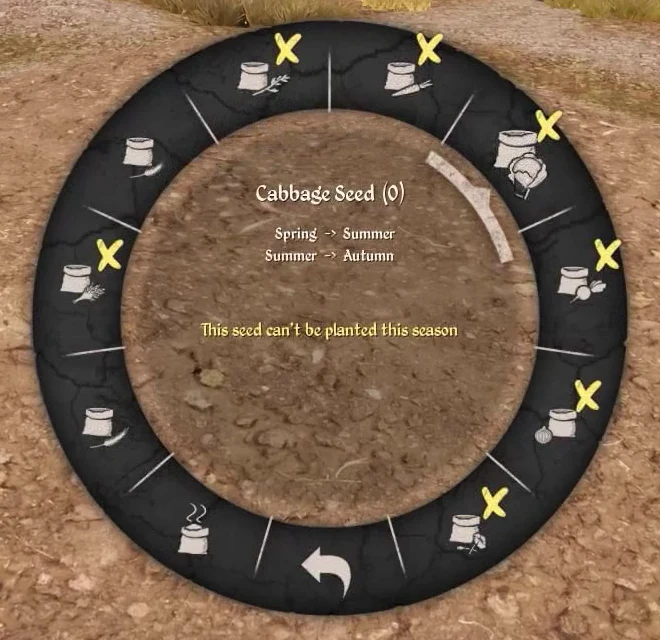
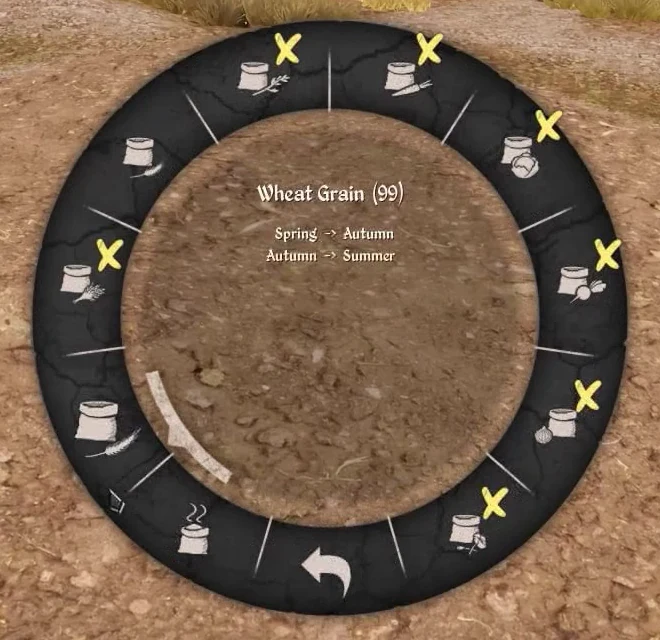
With the Bag equipped, the Steam PC tutorial shows the right mouse button opening the seed wheel and the left mouse button sowing. Read the quantity and the season message separately.
| Example | What to check | Screenshot |
|---|---|---|
| Rye Grain | The selector shows 0. Get seed before sowing in Autumn. | Read the zero stock |
| Cabbage Seed | The warning is about the season. Choose Spring or Summer for this crop. | See the season warning |
| Wheat Grain | The menu displays 99 grain. It lists Spring to Autumn and Autumn to Summer. | See the wheat selection |
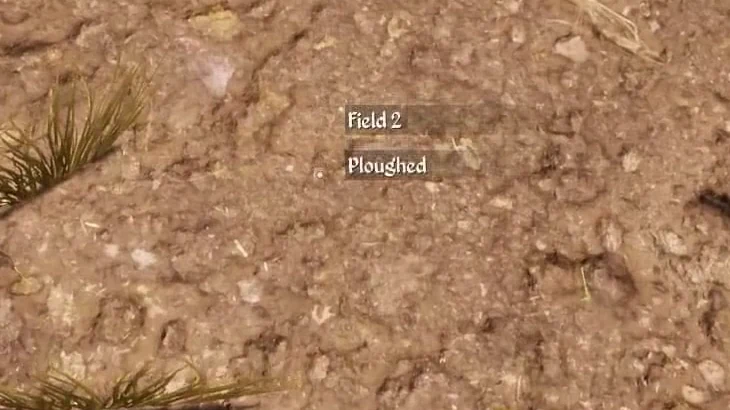
| Before sowing | Check that the tile is ploughed. | See the ploughed tile |
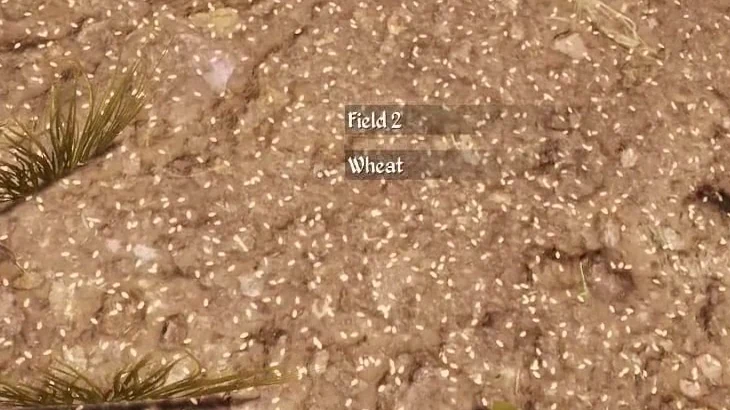
| After sowing | Check that the same tile now displays the crop name. | See the sown tile |
Supplies used on one Wheat tile
The HUD shows the amounts before and after each action on one tile in the manual tutorial.
| Supply | Before | After | Used |
|---|---|---|---|
| Fertiliser | 49 | 48 | 1 |
| Wheat Grain | 99 | 98 | 1 |
Seed reserve
The table starts with a target of 24 seeds per crop. The calculation rounds up to a whole batch. Keep the reserved grain for sowing before using the surplus in other recipes.
| Barn recipe | Batches | Crop to process | Seeds |
|---|---|---|---|
| Wheat Grain | 3 | 21 | 30 |
| Oat Grain | 2 | 14 | 28 |
| Rye Grain | 2 | 14 | 28 |
| Flax Seed | 24 | 48 | 24 |
| Poppy Seed | 12 | 12 | 24 |
Assigning farmers
Farmers work the fields from the Farm Shed. Put the shed close to the fields to reduce travel. Barn workers process crops and make supplies such as Fertiliser. Assign workers according to the job that needs doing.
When a field falls behind
Check the confirmed seasonal plan, the assignment to the Farm Shed, access to the field and the supply of tools and materials. Compare the area left to work with what the team can finish before you add more tiles.
Farm buildings
Sowing and harvest
Find seed merchants
Plan the next sowing
Compare the flour recipes
Compare field tool options
The first farm in Chapter V
Read the zero Rye stock
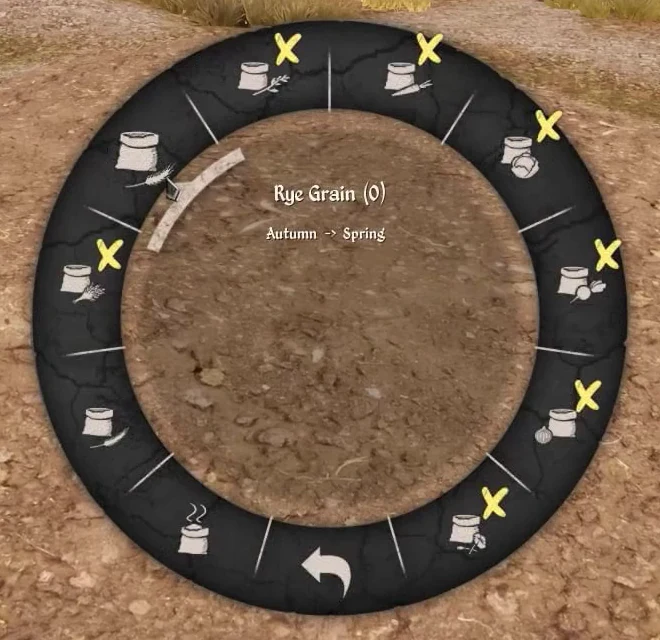
Read the Cabbage season warning
See Wheat selected in the Bag
Check the ploughed tile
Check the sown tile
The autumn plan in Management
Sources
Sources and version information at the end of this page
- Crop management, manual field cultivation and seed selection tutorials · Steam PC 2.7.0.5
- Crop management tutorials from the Steam installation for keyboard, PlayStation and Xbox
- Crop and seed tables · Steam PC 2.7.0.5
- Building costs, technology and capacities · Steam PC 2.7.0.5
- DT_CraftingRecipes and DT_CraftingCategories · Steam PC 2.7.0.5
- Game.locres and table labels · Steam PC 2.7.0.5
- DT_ListOfItems · Steam PC 2.7.0.5
- Merchant and resident tables · Steam PC 2.7.0.5
- Loading tip and compiled restock logic · Steam PC 2.7.0.5