Village and dynasty
Trade, Market Stalls and taxes
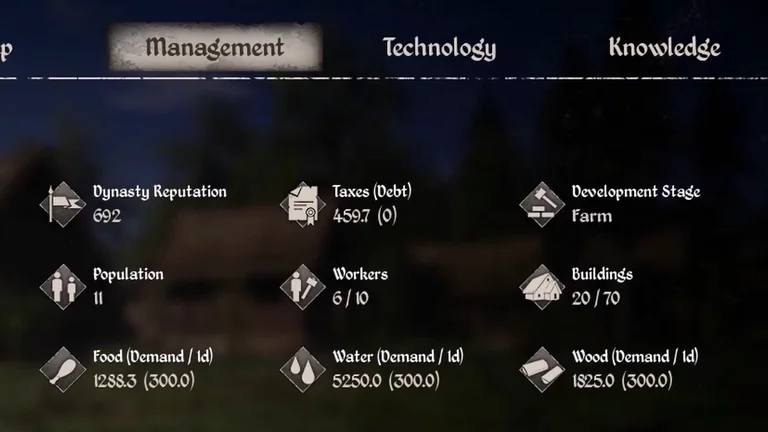
Cover your supplies before selling the surplus. Read taxes and debt in Management. In the Valley, follow Pay Taxes to find out who to pay.
Sell to a merchant
Compare the actual trade price, collection time and inventory space. Keep essential goods in reserve before you travel.
Set up a Market Stall
Assign a Stallholder, choose a category and select the items to sell. Remove an item from sale if the stall uses stocks needed by a workshop.
Prepare for taxes
The tutorial shows a bill of 4.4 coins in the Valley. Use the amount displayed in your current quest.
| Step | What to do |
|---|---|
| Check taxes and debt in Management | The tutorial shows “Taxes (Debt)” as 459.7 (0). The first number is taxes and the number in parentheses is debt. |
| Check the quest objective | Follow “Pay Taxes” to see who to pay and how much to bring. |
| Find the recipient shown in the tutorial | Uniegost in Gostovia |
| Confirm the payment | Choose the payment response in dialogue. The quest tracker clears after the conversation in the tutorial. |
Read taxes and debt in Oxbow
This example is from the Oxbow tutorial scene. Management shows the outstanding debt in parentheses. The Oxbow payment recipient and arrears rules still need verification.
| Current taxes shown | Debt shown | Reference |
|---|---|---|
| 3,554.8 | 19,713.8 | See the Management screenshot |
Understand how much tax you owe
Herald requests
Related references
Trade interface
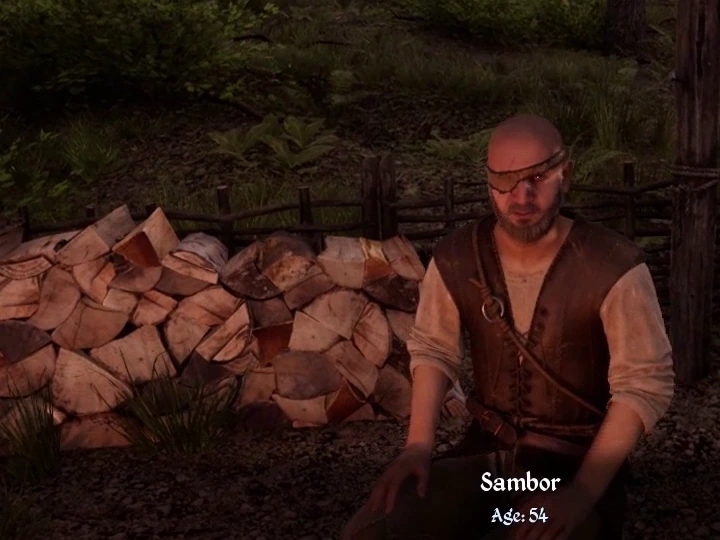
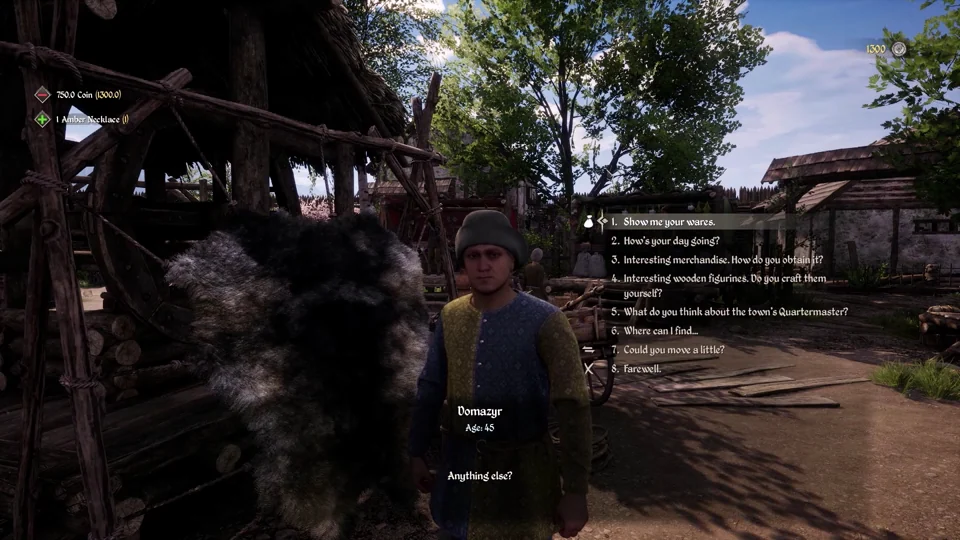
Recognise merchants in game
These portraits come from the tutorials included with the Steam installation.
The Valley
Oxbow
Find taxes and debt in Management
Sources
Sources and version information at the end of this page
- Official Medieval Dynasty Guide (2024)
- DT_ListOfItems · Steam PC 2.7.0.5
- Building costs, technology and capacities · Steam PC 2.7.0.5
- Render Cube and Toplitz cross-play announcement
- Quest, objective and character tables · Steam PC 2.7.0.5
- Valley tax payment and Management tutorials distributed with Steam PC 2.7.0.5 · English interface
- Steam PC building management tutorial · Oxbow taxes and debt at 29.8 s · build 26431490